
Did you know that over 81% of users leave a website if a pop-up disrupts their experience? Pop-ups are a staple in digital marketing for capturing leads and driving conversions, but they can also raise concerns for SEO, with search engines scrutinizing how they affect user experience and content accessibility.
In this guide, you will learn how pop-ups influence your website’s search rankings, what makes a pop-up harmful or helpful, and practical strategies to use them without hurting your SEO performance.
How Pop-Ups Affect Your Business and SEO
Pop-ups are designed to grab attention, but their impact goes beyond marketing. While you use them to increase conversions, search engines judge how they affect user experience. Understanding this balance helps you use pop-ups effectively without hurting your SEO.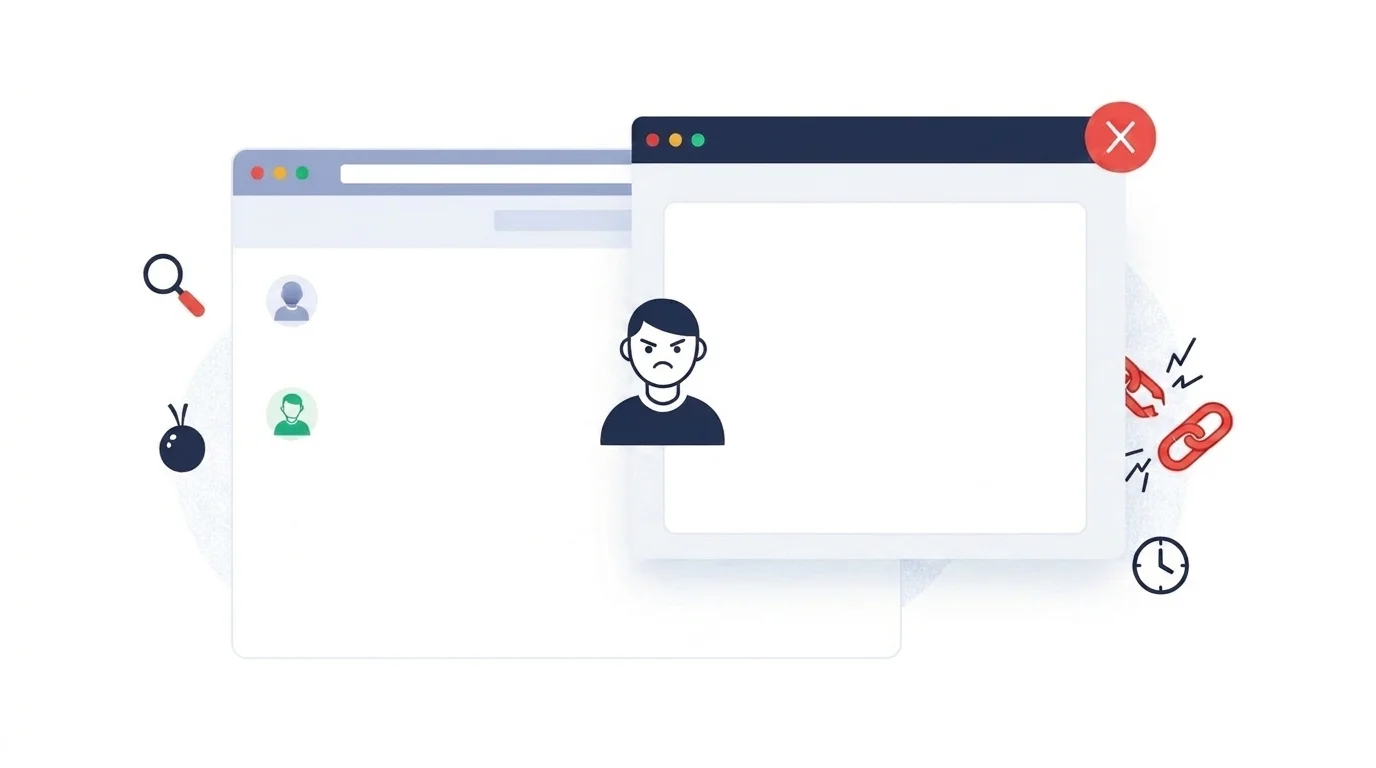
Why Businesses Use Pop-Ups for Conversions
The main reason companies use pop-ups is to boost conversion rates. In a digital world where users often ignore ads and banners, a pop-up creates a clear choice. Industry data shows that the average pop-up conversion rate in 2026 sits between 4% and 5%, with well-designed versions performing even better.
How Mobile Changed Pop-Up Impact
On small smartphone screens, pop-ups can block content and disrupt the user experience. This shift has led search engines like Google to issue stricter guidelines, targeting “intrusive interstitials” with potential ranking penalties.
Using Pop-Ups as a Value Exchange
Modern pop-ups work best when they provide value instead of blocking access. Think of them as personalized nudges offering a discount, exclusive content, or recommendations. This makes them a helpful part of the journey rather than an obstacle.
Do Pop-Ups Hurt SEO Understanding the Algorithmic Impact
Pop-ups only negatively affect SEO when they prevent users from accessing the main content. Google’s guidelines prioritize user access on mobile devices. Impact comes in two forms: direct algorithmic penalties for rule violations and indirect behavioral signals like increased bounce rates.
Key Ways Pop-Ups Can Influence SEO
| Impact Category | How Pop-Ups Affect SEO | Severity |
|---|---|---|
| Direct Algorithmic | Intrusive Interstitial Penalty (Mobile) | High |
| Technical Performance | Core Web Vitals (LCP, CLS, INP) | Medium to High |
| User Engagement | Increased Bounce Rate and Reduced Dwell Time | Medium |
| Behavioral Quality | Navboost “Bad Click” Metrics | High |
| Technical SEO | Blocked Crawling or Indexing Obstruction | Medium |
How Google’s Approach to Pop-Ups Has Evolved
Google introduced the mobile intrusive interstitial signal in 2017 to favor websites that allow immediate content access. This has evolved into the broader Page Experience update. Google even uses metrics like adsDensityInterstitialViolationStrength to measure how severely a pop-up interferes with user access.
When Pop-Ups Become a Technical SEO Problem
Pop-ups can create technical issues affecting how your site loads and is indexed, measured through Core Web Vitals.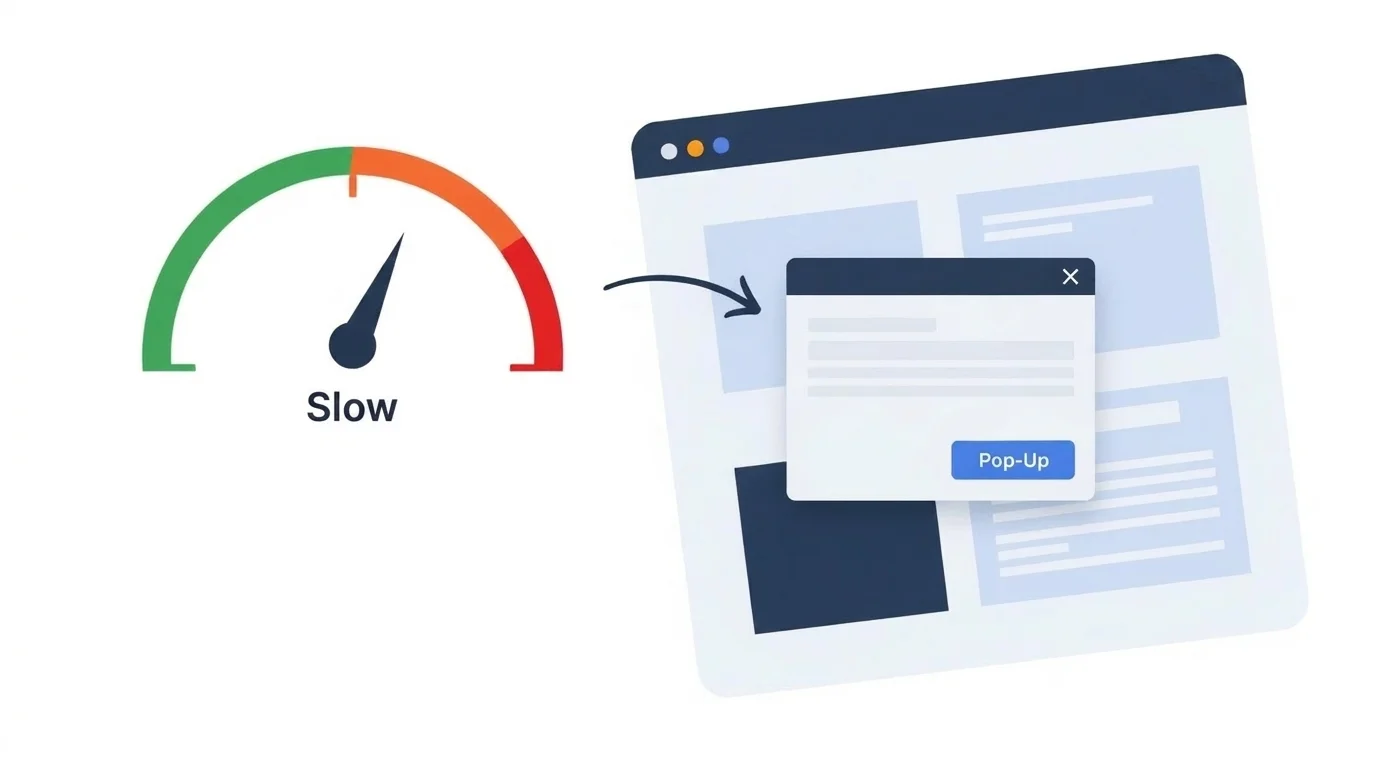
Core Web Vitals Impact Table
| Core Web Vital | How Pop-Ups Affect This Metric | Target Threshold |
|---|---|---|
| LCP | Slow-loading images or text delay rendering | ≤ 2.5 seconds |
| CLS | Layout shifts caused by pop-up appearance | ≤ 0.1 |
| INP | JavaScript for pop-ups blocks user interactions | ≤ 200 ms |
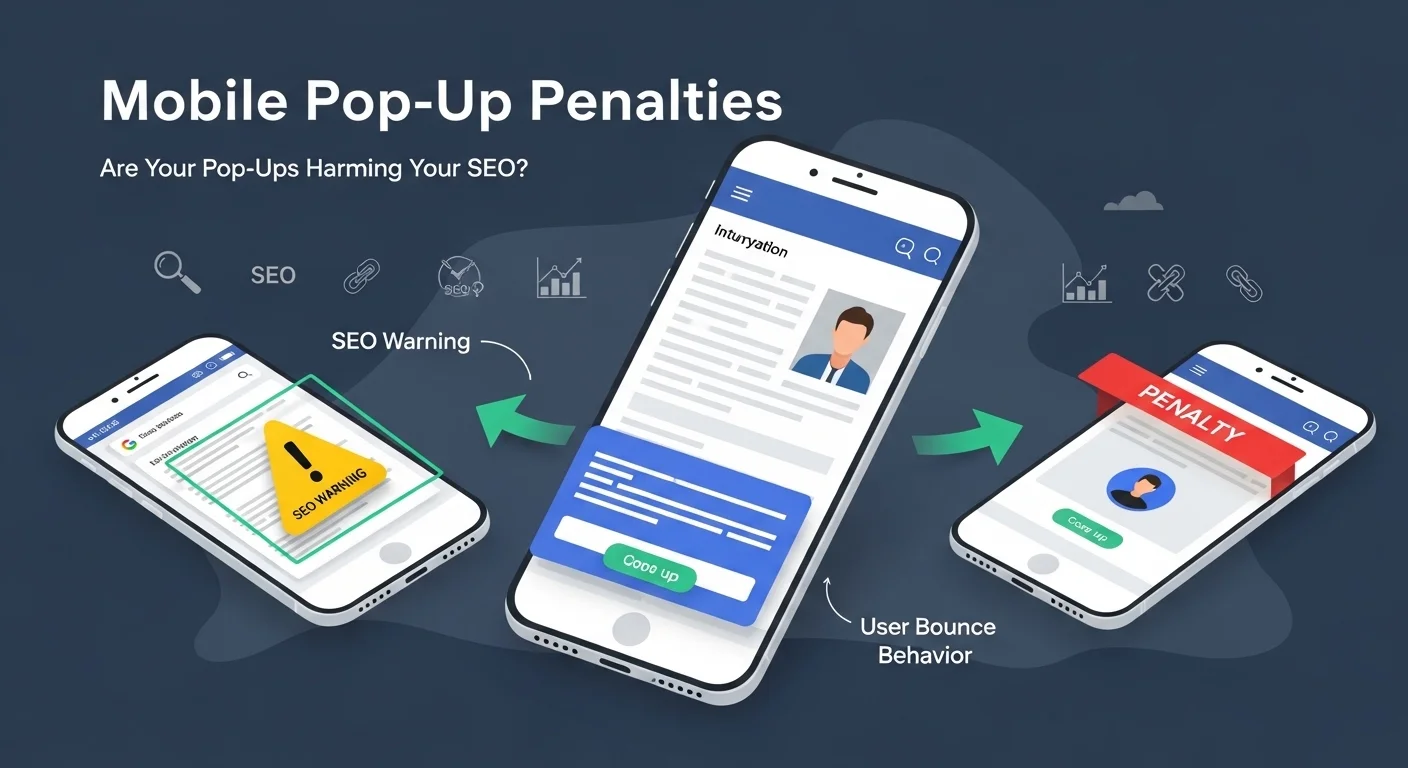
Frustrated users lead to higher bounce rates. A major SEO concern is “pogo-sticking,” where users immediately return to search results after seeing a pop-up. Google records this as a badClick, which can lower rankings over time.
How User Actions Translate to SEO Signals
| User Action | SEO Interpretation | Long-Term Ranking Impact |
|---|---|---|
| Immediate Exit (Bounce) | Page did not satisfy intent | Negative |
| Pogo-Sticking | Poor user experience | Highly Negative |
| Successful Interaction | Page is engaging/relevant | Positive |
| Long Dwell Time | Content is high-value | Positive |
Mobile vs Desktop Pop-Ups Key Differences for SEO and User Experience
On mobile, Google recommends that pop-ups occupy 30% or less of the viewport to avoid penalties. Accessibility is key: close buttons should be at least 48×48 pixels to remain thumb-friendly.
Mobile vs Desktop Pop-Up Comparison
| Metric | Mobile Requirement | Desktop Benchmark |
|---|---|---|
| Viewport Coverage | ≤ 30% | ≤ 50% (for modals) |
| Close Button Size | Min 48×48 px | Standard UI size |
| UX Standard | High (Thumb-friendly) | Moderate (Mouse-accurate) |
Pop-Up Types and Their SEO Risk Levels
| Pop-Up Type | Primary Trigger | SEO Risk Level | Best Use Case |
|---|---|---|---|
| Exit-Intent | Mouse trajectory / Back button | Low | Cart recovery |
| Scroll-Based | Percentage of page depth | Low to Medium | Newsletter signups |
| Floating Bar | Constant presence | Low | Site-wide announcements |
| Full-Screen | Immediate on landing | High | Not recommended for SEO |
SEO Friendly Ways to Implement Pop-Ups
- Timing: Wait 15–30 seconds or 50% scroll depth before showing a pop-up.
- Mobile Optimization: Use bottom slide-ins that occupy less than 30% of the screen.
- Asynchronous Loading: Load pop-up scripts as deferred to protect LCP.
- Frequency Capping: Show pop-ups only once per session or every 30 days.
Common Pop-Up Mistakes That Hurt SEO
Avoid obstructing content for search crawlers by using JavaScript overlays instead of hard-coded blocks. Ensure you don’t redirect to separate URLs for cookie consent, and avoid tiny close buttons that frustrate mobile users.
Leveraging People Also Ask PAA for Pop-Up Optimization
Research common questions and answer them in non-intrusive pop-ups or FAQ sections. This increases visibility and builds authority while users are searching for specific information.
Conclusion
Well-designed pop-ups enhance engagement without compromising SEO. By focusing on mobile-first design, technical performance through asynchronous loading, and value-based exchange, you can turn pop-ups into a powerful tool for conversions.
Frequently Asked Questions
Do pop-ups hurt SEO if they cover content right away
Yes, pop-ups that block content immediately, especially on mobile, can trigger Google’s intrusive interstitial penalty and lower your rankings.
Are all pop-ups bad for SEO
No. Exit-intent, scroll-triggered, and small sticky banners are generally safe because they respect the user experience.
Will a pop-up slow down my website and hurt SEO
If implemented with heavy scripts and unoptimized images, they can hurt Core Web Vitals. Optimizing for performance mitigates this risk.
Are cookie consent pop-ups bad for SEO
Legal and compliance pop-ups like cookie banners are acceptable and not penalized as long as they are easily dismissed.