
Every month, pages that rank on Google’s first page earn 5% to 14.5% more backlinks from new websites. That’s proof that links remain the lifeblood of SEO. But not all links are created equal. Some, called nofollow links, were once dismissed as useless because they didn’t pass ranking authority.
Today, ignoring them can mean missing out on referral traffic, trust signals, and a more natural link profile. Understanding how nofollow links work, and using them strategically, can make a real difference in your SEO success. So, let’s get started.
What Is a Nofollow Link?
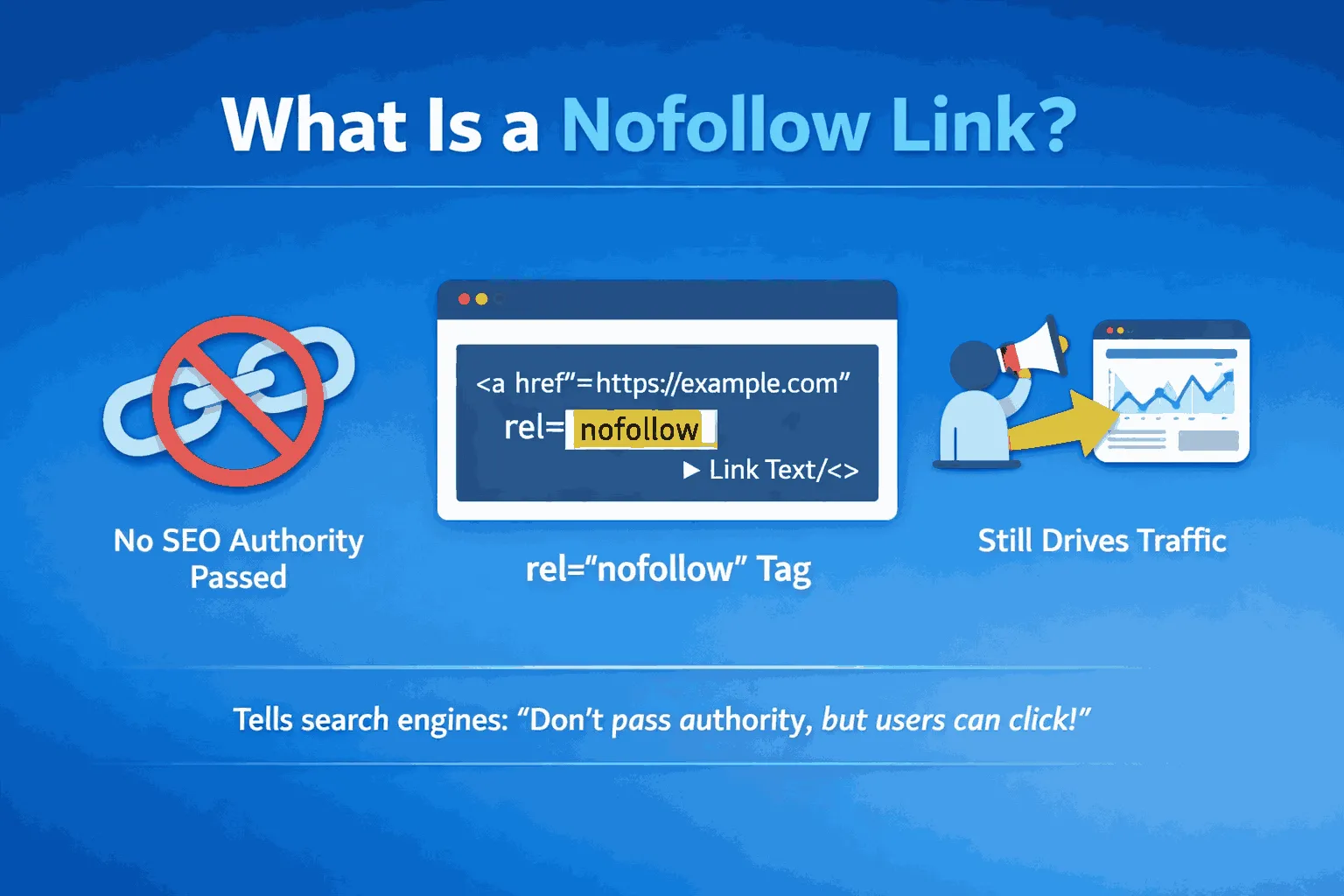
A nofollow link is a regular hyperlink that tells search engines how to treat it, without passing ranking authority to the linked page.
When a website links to another, it’s like giving a vote of confidence, saying: “This page is useful.” A nofollow link adds a signal to search engines: “I’m linking to this page, but don’t pass my site’s ranking power along.”
For visitors, nofollow links work just like normal links, they can click, explore, and interact with the content without any difference.
How It Looks in Code
The difference is in the HTML:
- Regular do-follow link: <a href=”https://yourwebsite.com”>Link text</a>
- Nofollow link: <a href=”https://yourwebsite.com” rel=”nofollow”>Link text</a>
The History of Nofollow: Fighting Spam
Nofollow was introduced in 2005 to combat spam, especially in blog comments and forums. Back then, people stuffed links with keywords to manipulate search rankings. The nofollow tag prevented this, helping search engines maintain quality results.
This history explains why nofollow links are often used for content the website owner doesn’t fully control, like user-generated content or forum posts.
Do Nofollow Links Help SEO?
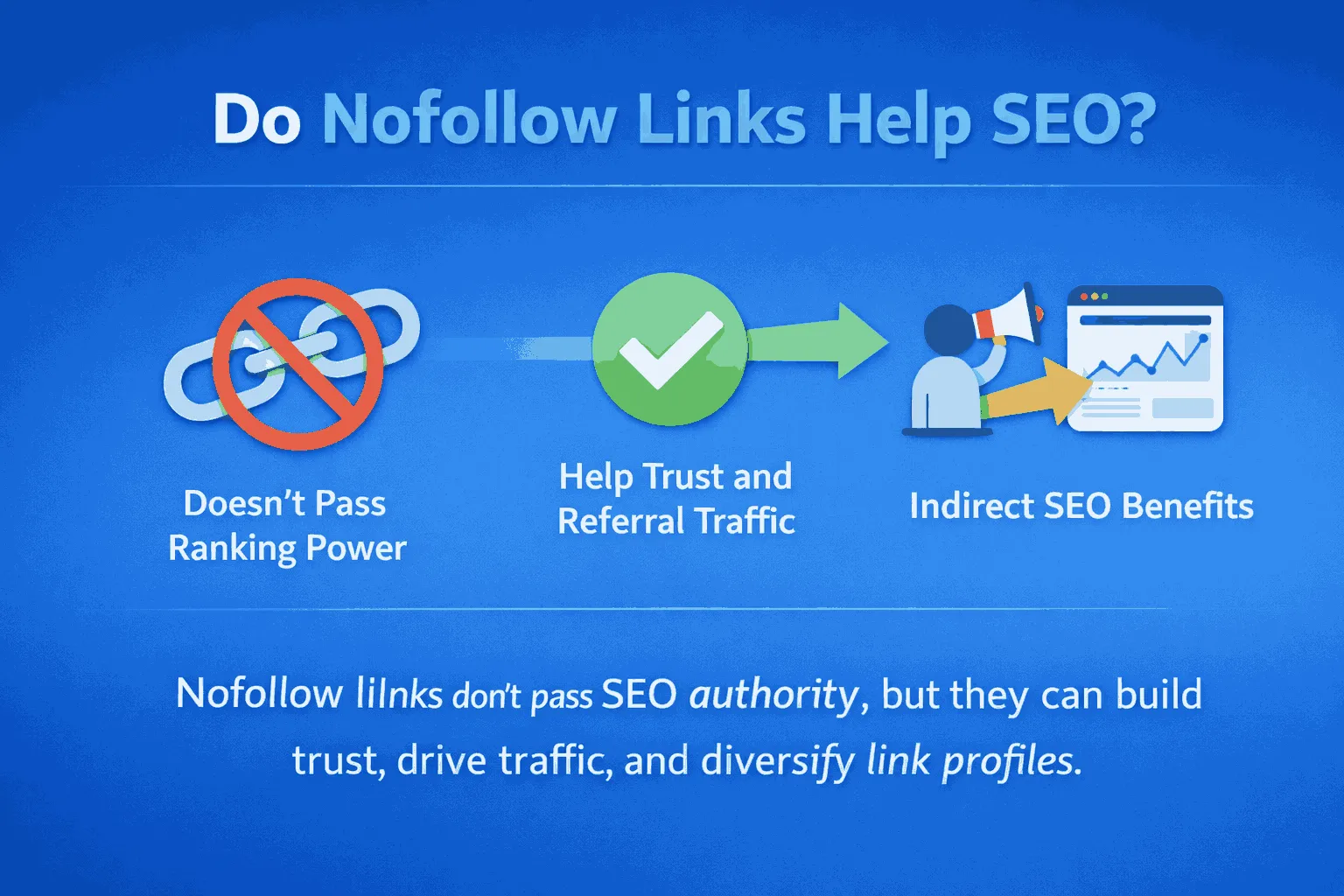
The short answer is yes. But, mostly indirectly. Nofollow links rarely boost keyword rankings directly. Instead, they play a key role in compliance, brand visibility, and driving quality traffic.
The Shift: From Directive to Hint
Originally, Google treated nofollow links as strict instructions. If a link had the nofollow tag, it was completely ignored for ranking purposes.
That changed in September 2019. Google announced that it would treat nofollow links as a hint, not a strict rule. This means Google can still evaluate the link for crawling, indexing, and even ranking decisions. The value isn’t black and white anymore, every link now helps Google understand the web better.
Why Google Made the Change
Many publishers used nofollow as a blanket safety measure to avoid penalties from paid links or link schemes. While safe, this practice made it harder for Google to see trusted connections and discover high-quality content.
By treating nofollow as a hint, Google can gather more information about how sites are connected, even if direct authority isn’t passed.
Three key indirect benefits of nofollow links are as follows:
Referral Traffic
A nofollow link on a high-traffic site, like a major news outlet, social media platform, or popular forum, can drive thousands of targeted visitors. Increased engagement from this traffic sends positive signals to Google.
Brand Authority and Credibility
Even without passing SEO value, being mentioned by authoritative sources builds trust and reputation among users. Recognition from respected websites strengthens your brand’s presence online.
A Natural Backlink Profile
A healthy backlink profile looks organic. A site with only dofollow links may appear manipulative. Including nofollow links from directories, social media, and user-generated content creates a natural, balanced profile that supports long-term SEO and avoids algorithm scrutiny.
Do-Follow vs. No-Follow Links
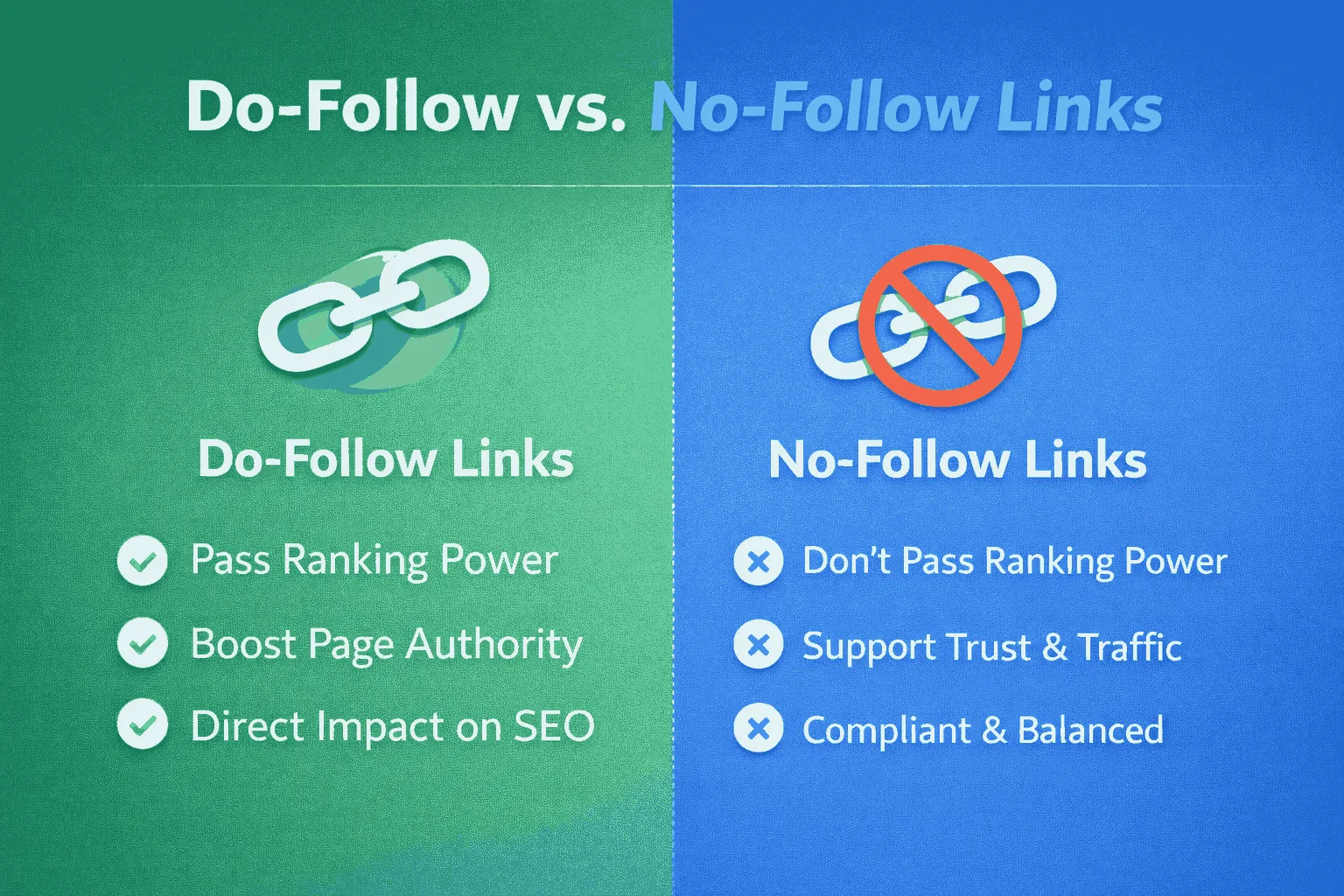
The main difference between do-follow and no-follow links comes down to passing authority, also called link equity or “link juice.”
Understanding Link Equity
Link equity is the value a hyperlink passes from one page to another. Search engines use it to judge a page’s importance and relevance. More link equity usually means a better chance of ranking higher in search results.
Do-Follow Links
Do-follow links are the default type of link. They pass authority from the source page to the destination page, acting as a vote of confidence. This helps the linked page improve its rankings and boosts its domain authority. These are the links that website owners actively aim to earn from reputable sites.
No-Follow Links
Nofollow links include the rel=”nofollow” attribute, signaling that the link shouldn’t necessarily pass authority. Historically, they blocked link equity entirely. Today, Google treats them as a hint.
This means they might pass some value, but they generally don’t boost rankings directly. Their main benefits are compliance, risk management, and referral traffic.
Key Differences at a Glance
| Feature | Do-Follow Link | No-Follow Link |
| Passes Ranking Power | Yes, transfers link equity | Generally no, acts as a hint |
| Primary SEO Goal | Improve authority and ranking | Compliance, safety, referral traffic |
| HTML Attribute | None (default) | rel=”nofollow”, rel=”sponsored”, or rel=”ugc” |
| Search Engine Treatment | Counted as a vote of confidence | Treated as a suggestion; may aid crawling/discovery |
What Types of Links Should Be Nofollow?
Using link attributes correctly is essential to avoid Google penalties for link schemes. Google now encourages the use of two modern attributes alongside the traditional nofollow tag to provide more clarity about the link type.
Modern Link Attributes
- Sponsored Links (rel=”sponsored”): Use this for any link placed as part of advertising, sponsorships, paid placements, or compensation agreements. For example, if a site is paid to include a banner or text link, it should use rel=”sponsored”.
- User-Generated Content (rel=”ugc”): This is for links added by users, such as in comments, forum posts, or public profiles. It signals that the site owner isn’t necessarily endorsing the linked content.
When to Use Nofollow or Related Attributes
- Paid and Affiliate Links: Any link you pay for, including affiliate links, must use rel=”sponsored” or rel=”nofollow”. This ensures that SEO authority isn’t unintentionally passed to external commercial sites, protecting your own rankings.
- Untrusted or Critical Links: If the source is questionable, or you don’t want to endorse the linked content, use rel=”nofollow”. This is common when linking to highly commercial or critical content.
- General User Content: Links in blog comments, social media posts, or press releases are typically flagged with nofollow or ugc to indicate they’re user-generated.
Correctly applying these attributes helps maintain a natural, compliant link profile while protecting your site’s SEO authority.
Ways to Utilize and Avoid Nofollow Links
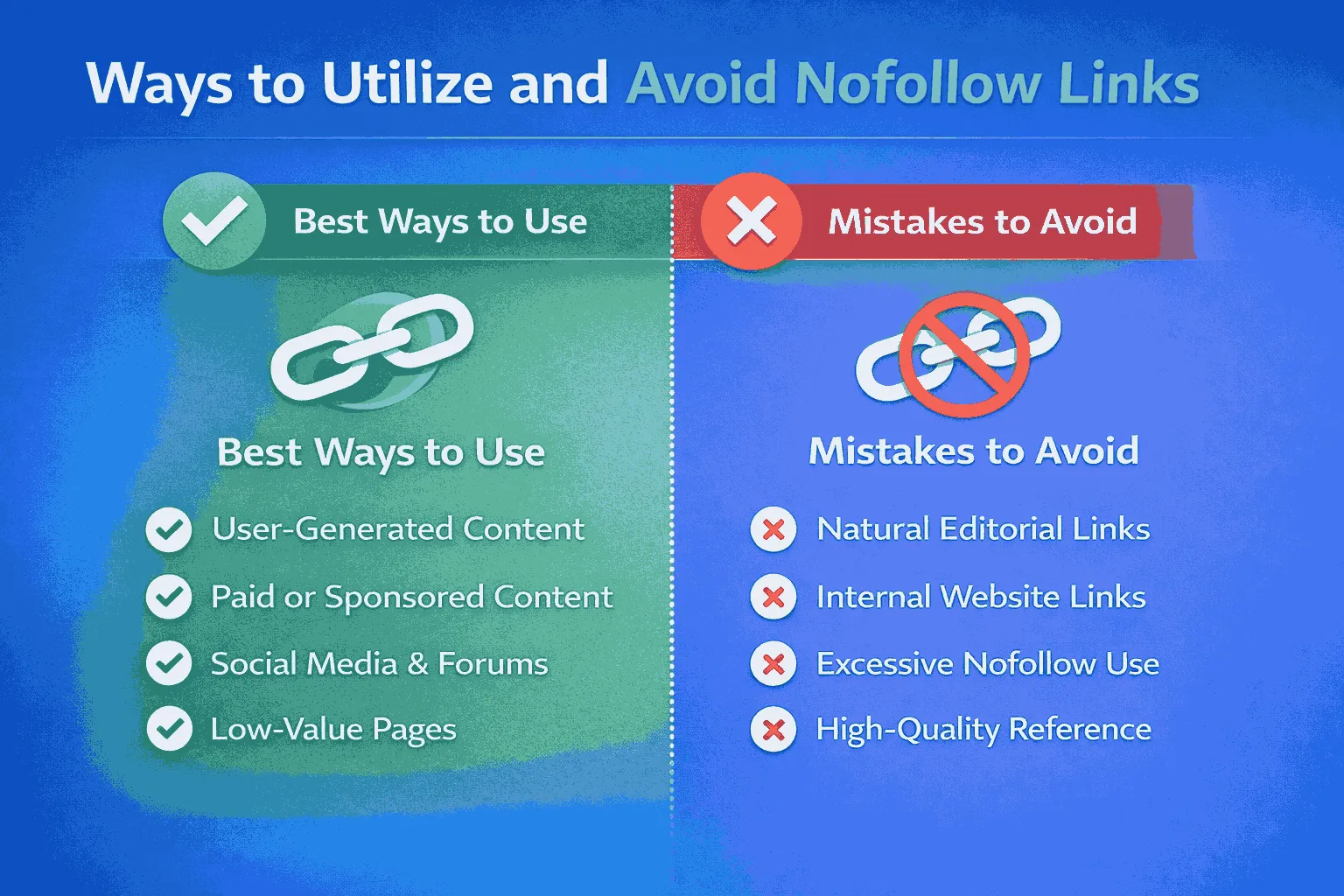
Using nofollow links strategically isn’t just about avoiding penalties—it’s about managing risk, boosting referral traffic, and building a natural backlink profile.
Strategic Use
- Maximize Referral Traffic: Focus on earning nofollow links from high-authority, high-traffic sources like major news sites or popular social platforms. Even without passing direct SEO value, these links drive targeted visitors who are likely to engage, which indirectly strengthens your SEO signals.
- Protect Domain Authority: Apply nofollow tags to links pointing to untrustworthy, new, or commercial sites. This prevents valuable authority from being unintentionally passed to unreliable sources.
- Maintain a Natural Link Profile: A healthy mix of dofollow and nofollow links signals to search engines that your backlink profile is organic and trustworthy.
What to Avoid
- Blanket Nofollow on Good External Links: If you link to high-quality, relevant resources, keep the links dofollow. Unnecessarily nofollowing valuable external links can reduce your site’s credibility as an information hub, potentially missing indirect ranking benefits.
- Nofollow on Key Internal Links: Avoid using nofollow on important internal links, such as navigation or main editorial pages. Doing so disrupts internal link equity and can negatively affect site structure and SEO performance.
By applying nofollow links thoughtfully and avoiding these common mistakes, you can protect your site’s authority while taking full advantage of referral opportunities.
Using Nofollow to Control Link Equity Flow
The idea that nofollow links can be used to funnel ranking power to specific pages is outdated and no longer effective.
The End of PageRank Sculpting
For years, SEO experts practiced “PageRank sculpting,” believing that applying nofollow to less important links would redistribute link equity to remaining dofollow links. Google has confirmed that this is no longer true.
When a link is nofollowed, the potential link equity simply disappears instead of being redirected. Any attempt to control PageRank this way is ineffective and offers no SEO benefit.
Modern Use: Crawl Budget Optimization
Today, the only strategic use for internal nofollow links is managing crawl budget, which mainly applies to very large websites.
- What is the Crawl Budget? Search engines have a finite amount of resources to crawl and index a website. Large sites with millions of pages need to prioritize which pages get crawled first.
- How to Use Internal Nofollow Strategically: Internal nofollow links act as hints, guiding search engines away from low-value pages to focus on important content like main product pages or key articles. Examples include:
- Login, registration, or “forgot password” pages
- Complex filter combinations on e-commerce sites that create duplicate content
- Administrative or utility pages, like certain shipping or return policy pages
This selective approach can help search engines use their crawl budget more efficiently.
Nofollow vs. Noindex
It’s important to understand the difference between these two directives:
- rel=”nofollow”: Controls link equity and acts as a hint for crawling and ranking.
- noindex tag: Tells search engines not to include a page in search results.
Relying on nofollow alone will not prevent a page from being indexed. If the goal is to remove a page from search results, the noindex tag must be used.
How to Check if a Link is Nofollow or Do-Follow
Because nofollow and dofollow links appear the same to users, you need to inspect the underlying code to determine the type.
Step-by-Step Inspection
- Go to the Page: Open the web page with the link you want to check.
- Right-Click on the Link: Hover over the link text or image and right-click.
- Select Inspect Element: This opens the browser’s developer tools and highlights the link’s HTML code.
- Look at the rel Attribute: Check if the <a> tag contains a rel attribute.
- If it contains rel=”nofollow”, rel=”sponsored”, or rel=”ugc”, the link is nofollow.
- If there’s no rel attribute, or it doesn’t include these values, the link is a default do-follow.
By following this process, you can accurately identify link types and manage your SEO strategy effectively.
How to Change a Link from Do-Follow to No-Follow
Adding a nofollow attribute is simple, whether you’re comfortable editing code or using a modern CMS. This step is crucial for compliance, especially with paid or affiliate links.
Method 1: Manual HTML Editing
If you can work with HTML, you can add the attribute directly to your link tag:
- Locate the link in your website’s source code.
- Add the appropriate attribute to the <a> tag.
Example: To turn a standard do-follow link into a nofollow link:
<a href=”example.com” rel=”nofollow”>Link Text</a>
You can also combine multiple attributes. For instance, a sponsored link that’s user-generated could use:
<a href=”example.com” rel=”ugc sponsored”>Link Text</a>
Method 2: Using CMS Tools or Plugins
Modern content management systems like WordPress make this process easier:
- SEO Plugins: Tools like Yoast SEO, Rank Math, or All in One SEO let you check a box to automatically apply nofollow or sponsored attributes when inserting links.
- Affiliate Link Tools: Many affiliate marketing tools automate adding rel=”nofollow” or rel=”sponsored” to affiliate links, ensuring compliance without manual effort.
Conclusion
The question isn’t whether nofollow links help SEO, they do, but how they help. Since Google started treating these attributes as “hints” in 2019, their role has evolved significantly. Nofollow links are now essential for creating a natural, trustworthy backlink profile that signals compliance and diversity to search engines.
While dofollow links deliver direct ranking power, nofollow links protect your authority, drive valuable referral traffic, and ensure your site follows strict advertising and spam guidelines.
A smart SEO strategy balances both. It actively pursues high-quality dofollow links while strategically using nofollow, sponsored, and UGC links to manage risk, maintain compliance, and optimize crawl efficiency, especially on large sites.