
Did you know that in a study conducted by Reboot Online, websites that included relevant outbound links to authoritative sources outranked those that didn’t? While many website owners obsess over getting links to their site, they often neglect the links going out of it.
If you are a beginner in the world of SEO (Search Engine Optimization), you might be hesitant to send your hard-earned traffic to another website. However, understanding how to use these links strategically is crucial for building trust with Google and your readers. This guide will explain exactly what outbound links are, why they matter, and how to master them for better rankings.
What Are Outbound Links?
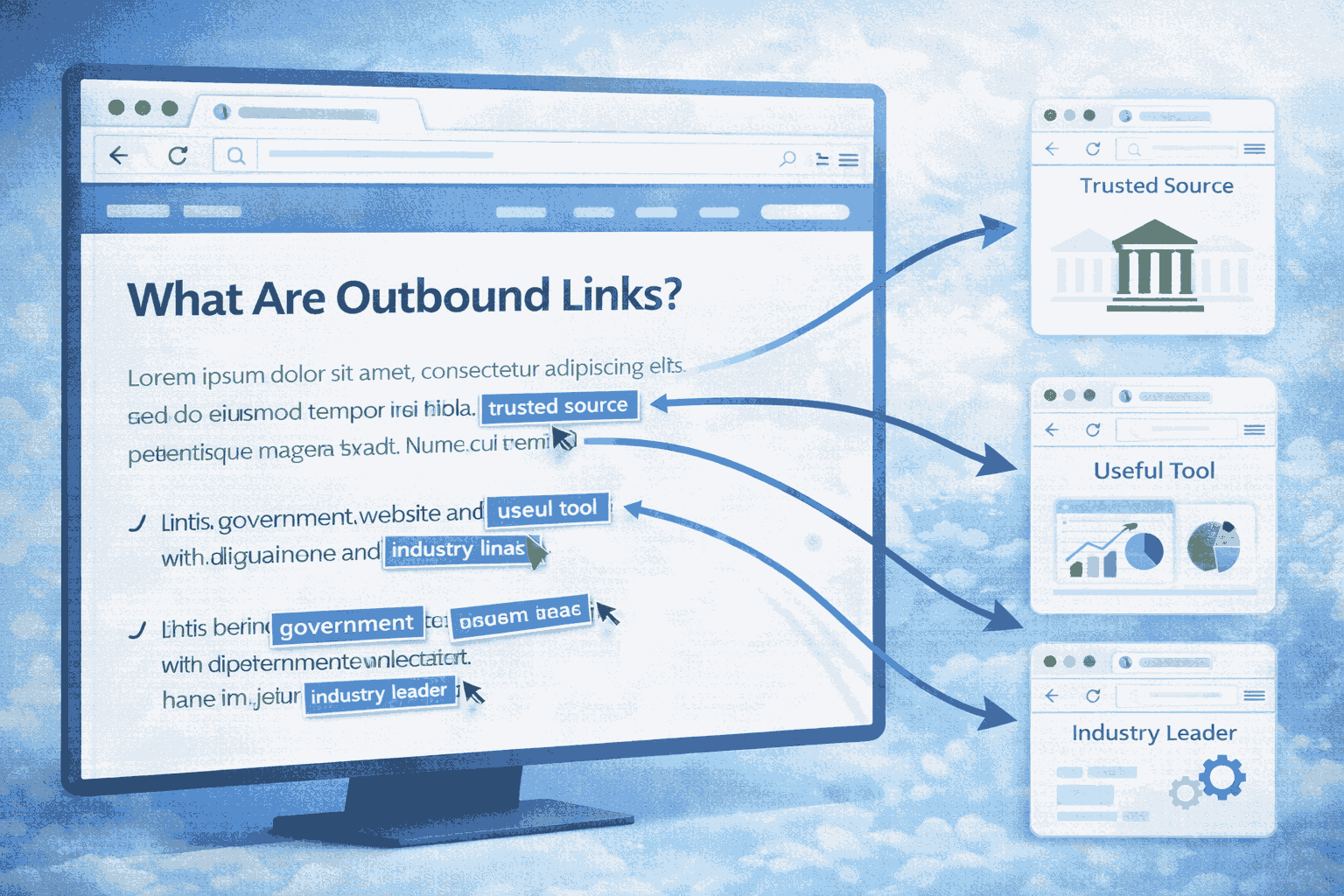
In simple terms, an outbound link (also known as an external link) is a hyperlink that points from your website to a completely different domain.
Think of your website as a house.
- Internal links are the doors connecting different rooms inside your house (your own pages).
- Outbound links are the doors leading out to the neighborhood (other websites).
When you link to another site, you are essentially citing a source, recommending a tool, or pointing your reader toward more information.
Types of Outbound Links
It is important to understand that not all outbound links behave the same way. There are two main attributes you can assign to them:
- Dofollow Links: This is the standard link. It tells search engines, “I trust this website, and you should too.” It passes “link equity” (or SEO value) to the other site.
- Nofollow Links: This adds a small tag (rel=”nofollow”) to the code. It tells search engines, “I am linking to this, but I don’t necessarily want to pass SEO authority to it.” This is often used for paid links or comments.
Do Outbound Links Improve SEO?
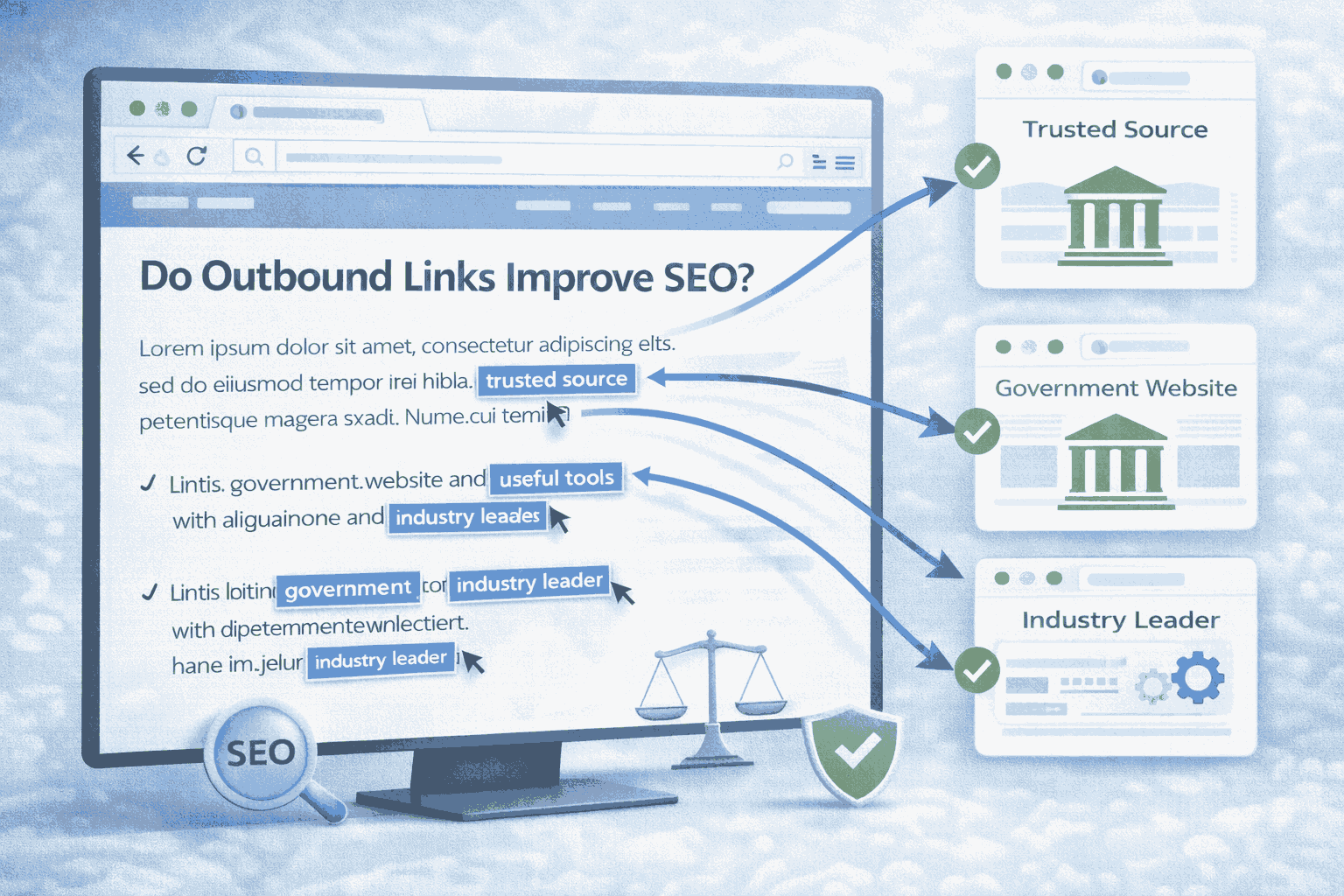
The short answer is: Yes, but indirectly.
Outbound links are not a direct “ranking factor” in the same way that backlinks (links coming to you) are. However, they play a massive role in the overall quality and relevance of your content.
Here is how outbound links help your SEO:
1. They Build Trust and Credibility
Google wants to rank the most helpful, accurate content. When you link to high-authority sources (like .gov sites, major news outlets, or industry leaders), you show Google that your content is well-researched. It signals that you aren’t just making things up; you have data to back it up.
2. They Help Google Understand Your Topic
Search engines use the sites you link to as context clues. If you are writing about “Apple” and you link to a fruit recipe site, Google knows you mean the fruit. If you link to Apple.com or a tech review site, Google knows you are talking about the technology giant.
Tip: Linking to relevant sites helps Google categorize your content faster and more accurately.
3. They Improve User Experience (UX)
SEO isn’t just about robots; it is about people. If a user is reading your blog and wants to know the definition of a complex term, an outbound link saves them time. A happy user stays on your site longer, which sends positive signals to Google.
4. Encourages Networking
When you link to influencers or other blogs in your niche, they might notice. This can lead to them sharing your post or linking back to you later (a backlink), which is a direct SEO ranking factor.
Ways to Track Outbound Links
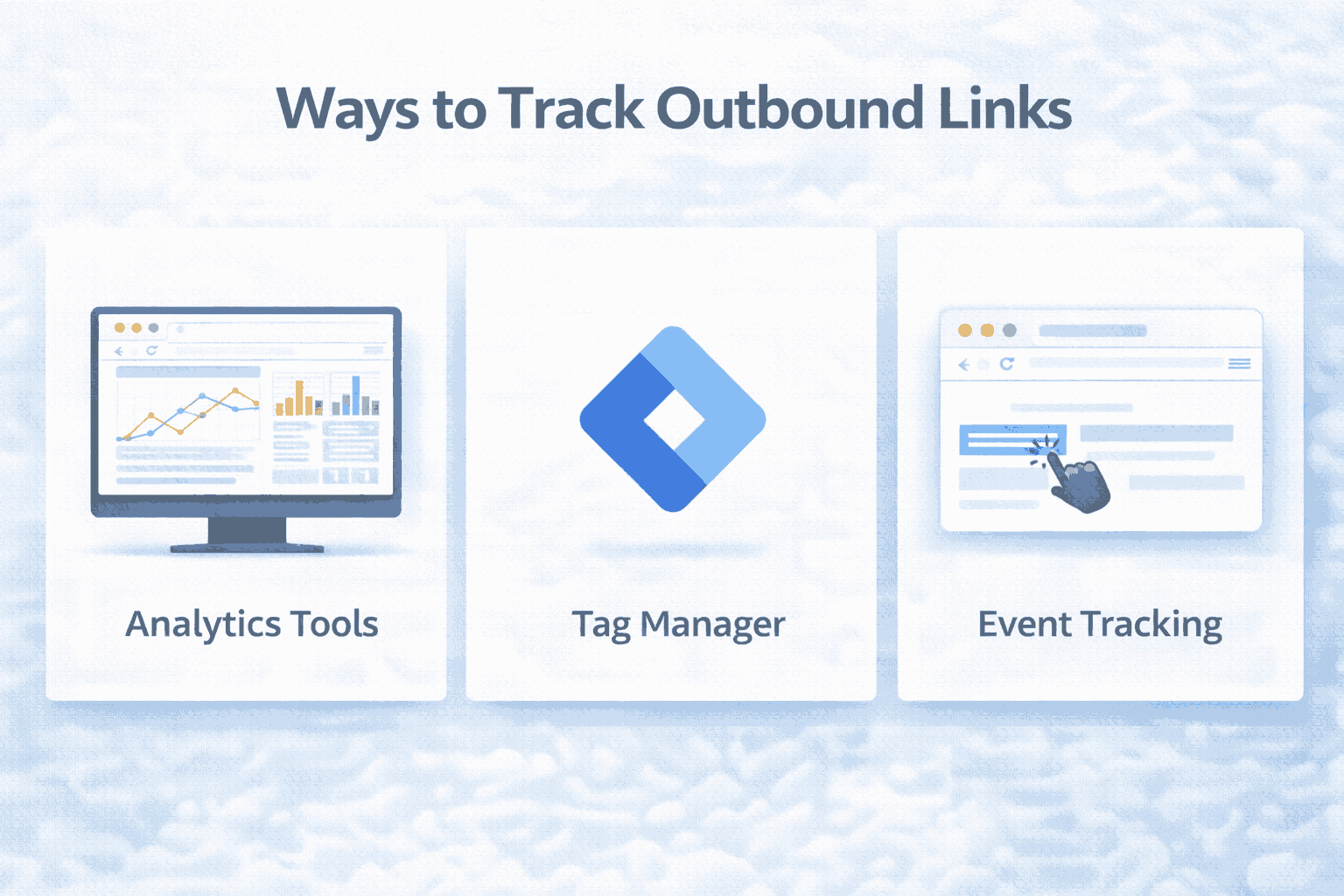
To manage your SEO strategy effectively, you need to know where your outbound links are going and if people are clicking them. Here is how to track them using four popular tools.
1. Google Analytics 4 (GA4)
GA4 makes tracking outbound clicks surprisingly easy because it tracks them automatically as “events” in most standard setups.
How to check:
- Go to your GA4 property.
- Navigate to Reports > Engagement > Events.
- Look for an event named click or outbound_click.
- Click on it to see which specific links users are clicking.
Why use it: It is free and gives you data on actual user behavior (clicks), not just the existence of links.
2. Moz (Link Explorer)
Moz is excellent for checking the “authority” of the sites you are linking to. You want to make sure you aren’t linking to spammy or “broken” sites.
How to use it:
- Enter your URL into Link Explorer.
- Navigate to the Outbound Domains tab.
- Moz will list all the sites you link to and show you their Domain Authority (DA) score.
Why use it: Great for ensuring you are only associating your site with high-quality neighborhoods on the web.
3. Semrush
Semrush offers a comprehensive “Site Audit” tool that scans your website for link health.
How to use it:
- Run a Site Audit on your domain.
- Go to the Internal Linking or Issues tab.
- Look for warnings regarding “External Links.”
- It will highlight broken external links (404 errors) or pages that have too many links.
Why use it: It is a proactive health check. It alerts you if a site you linked to years ago has shut down, so you can remove the bad link.
4. Screaming Frog SEO Spider
This is a desktop tool favored by technical SEOs. It crawls your website exactly like a search engine bot does.
How to use it:
- Download and open Screaming Frog.
- Enter your website URL and hit Start.
- Once the crawl is finished, click the External tab at the top.
- You can filter by “HTML” to see just the links in your content.
Why use it: It provides the most detailed list of every single outbound link on your entire site in a spreadsheet format.
Best Practices for Adding Outbound Links
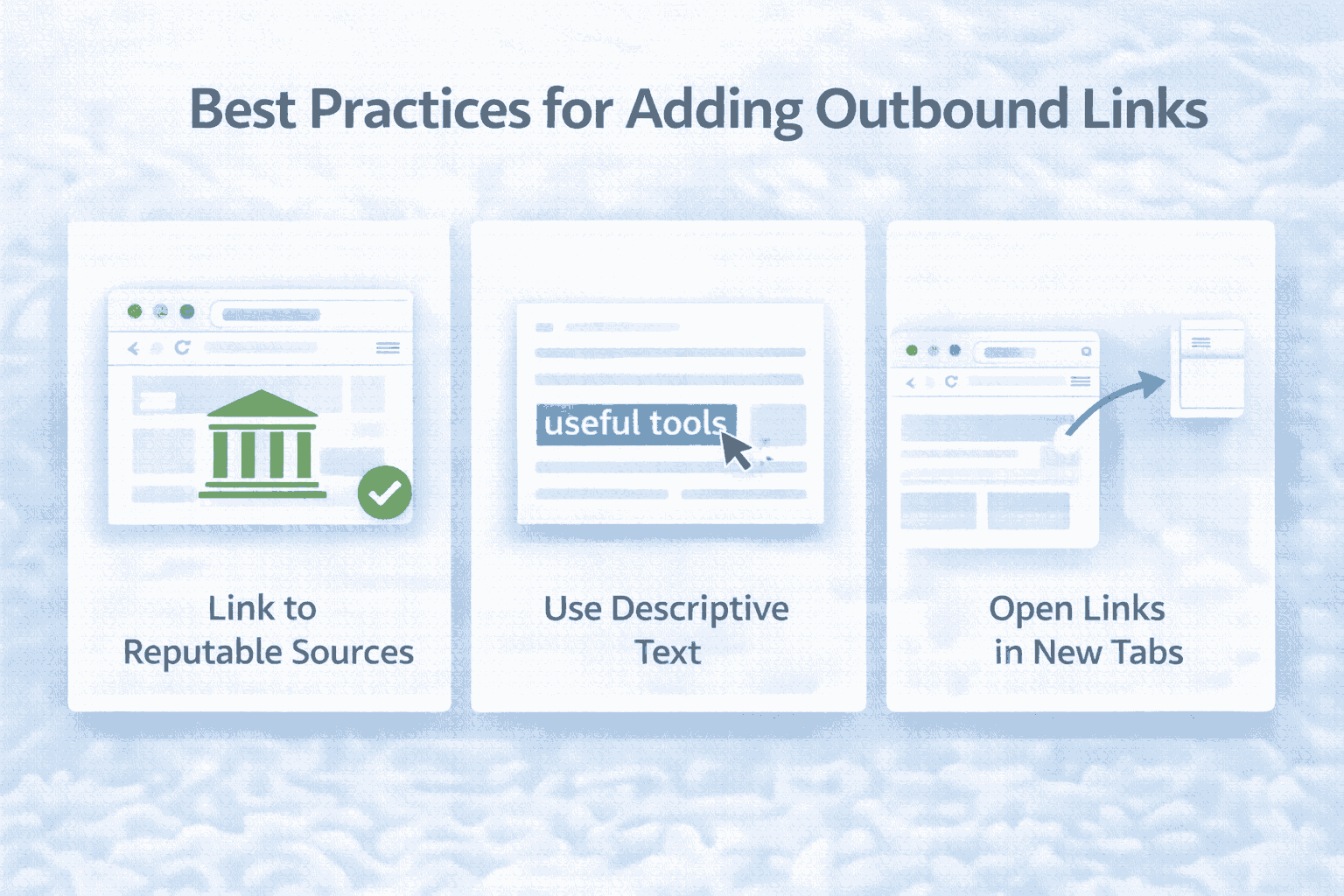
Simply stuffing your content with links won’t help. You must be strategic. Follow these best practices to ensure your outbound links help rather than hurt your SEO.
1. Use Descriptive Anchor Text
Avoid using generic phrases like “click here” or “read more.” Instead, make the clickable text descriptive.
- Bad: Click here to see the study.
- Good: According to the 2024 SEO Industry Study…
This tells both the user and Google exactly what to expect when they click.
2. Open in a New Tab
This is a debate in the UX world, but for keeping users on your site, it is generally better to set outbound links to open in a new tab.
- Why? If a user clicks a link and it opens in the same window, they have left your site. If they get distracted, they might never come back. Opening in a new tab keeps your page open in the background.
- How: Add target=”_blank” to your link HTML, or select “Open in new tab” in your WordPress editor.
3. Link to Authoritative Sites
Always verify the source. Linking to low-quality, spammy, or illegal websites can actually hurt your own site’s reputation (“guilt by association”). Stick to:
- Official government sites (.gov)
- Educational institutions (.edu)
- Established news organizations
- Known industry experts
4. Audit for Broken Links Regularly
The internet changes fast. A helpful resource you linked to two years ago might be a dead page (“404 Error”) today. Linking to broken pages is a bad user experience. Use the tools mentioned above (like Semrush or a simple “Broken Link Checker” plugin) to find and fix these periodically.
5. Use “Nofollow” When Necessary
You should use the rel=”nofollow” or rel=”sponsored” attribute if:
- It is an affiliate link (you get paid if they click).
- It is a paid advertisement or sponsored post.
- You are linking to a site you don’t fully trust but need to reference for an example.
Inbound vs Outbound Links

These two terms often confuse beginners, but they are opposites.
- Inbound Links (Backlinks): Links coming IN to your site from others.
- Outbound Links: Links going OUT from your site to others.
Here is a quick comparison table:
| Feature | Inbound Links | Outbound Links |
| Direction | External Site $\rightarrow$ You | You $\rightarrow$ External Site |
| Control | Hard to control (you have to earn them) | 100% Control (you create them) |
| Primary SEO Value | Increases your Authority | Increases your Relevance & Trust |
| Main Goal | To boost your ranking power | To add value for your reader |
Backlink vs Outbound Link
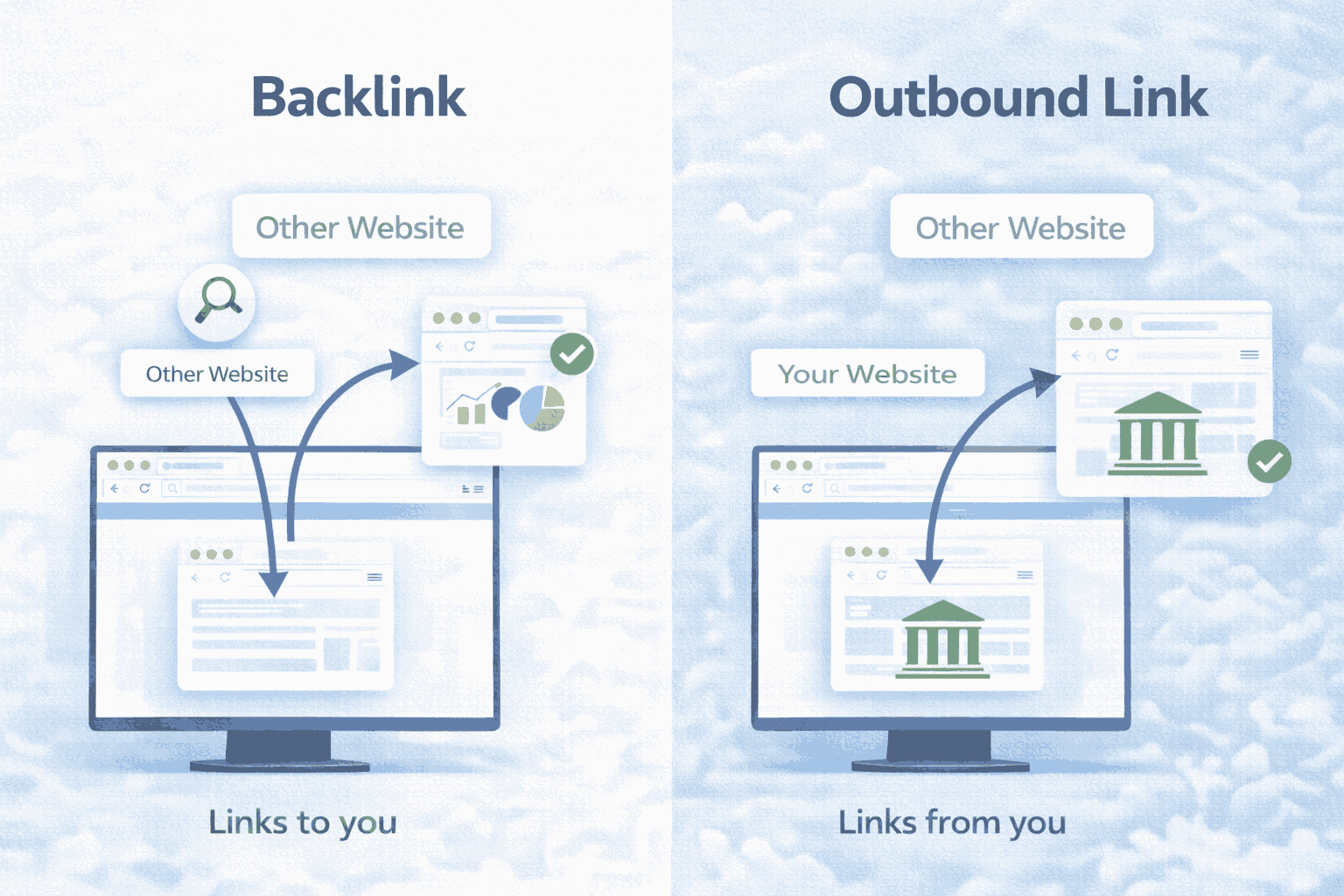
Technically, an “Inbound Link” and a “Backlink” are the same thing. However, in conversation, people use “Backlink” to refer specifically to the SEO “vote of confidence” you receive.
It is easy to mix these up because they both involve two different websites.
The Difference: If Website A links to Website B:
For Website A, it is an Outbound Link.
For Website B, it is a Backlink.
Backlinks are generally harder to get and are considered the “gold standard” of off-page SEO. Outbound links are easier to manage but are still vital for on-page SEO health.
Outbound Links vs Internal Links
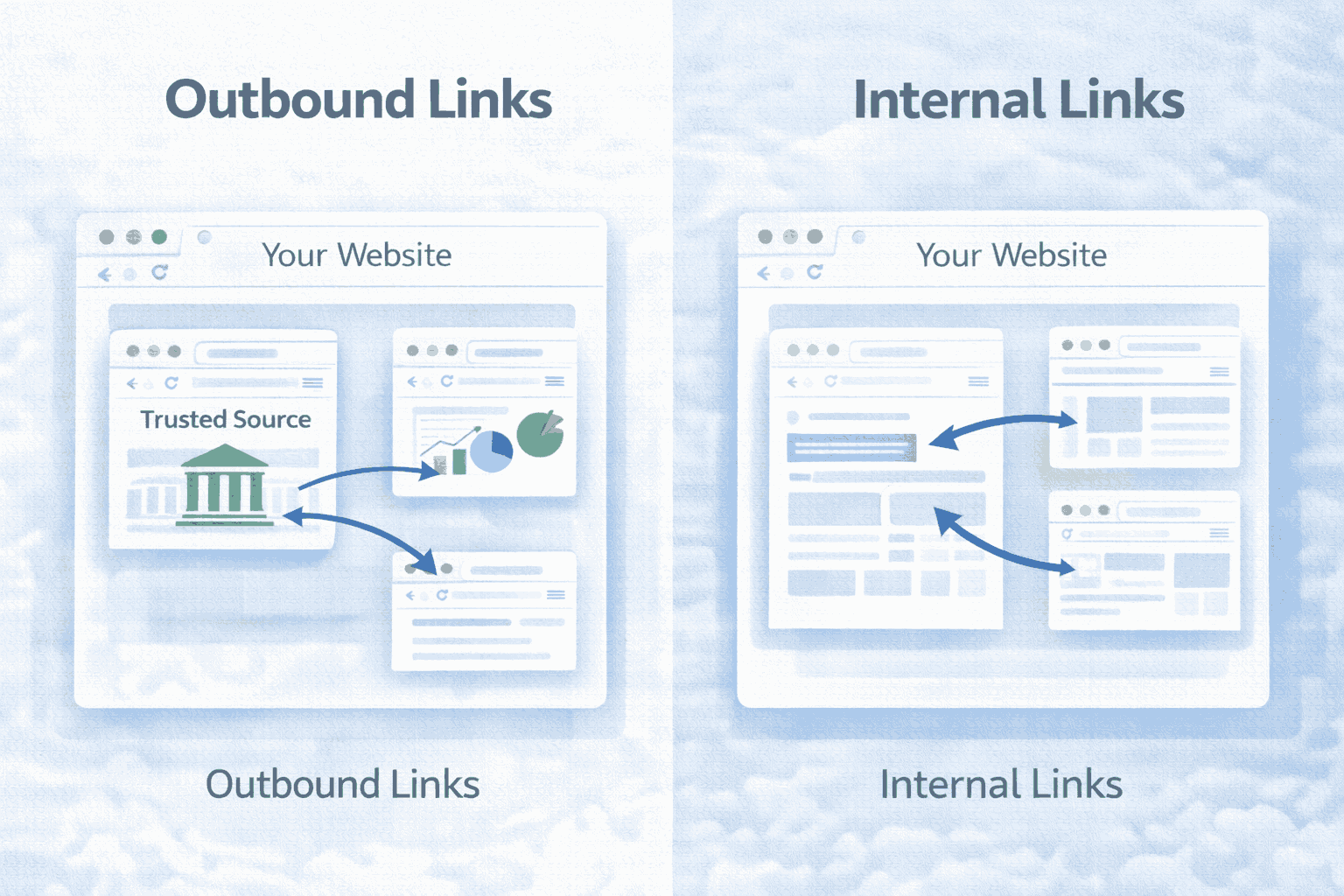
While outbound links connect you to the rest of the web, internal links connect your content to itself. Both are critical for a healthy website structure.
Internal Links
These are links that go from one page on your domain to another page on your domain (e.g., your blog post linking to your “Contact Us” page).
Here is a quick comparison table
| Feature | Outbound Links | Internal Links |
| Destination | A different website | The same website |
| Risk | Users might leave your site | Keeps users on your site longer |
| SEO Function | Shows you define sources and trust | Helps Google crawl and index your site |
| Limit | Use sparingly (only when necessary) | Use liberally (whenever relevant) |
Pro Tip: A perfect blog post usually contains a healthy mix of both. Use internal links to keep people reading your content, and use outbound links to back up your claims with outside facts.
Conclusion
So, do outbound links help SEO? Absolutely.
While they might not be the magic bullet that instantly shoots your website to the #1 spot on Google, they are a fundamental part of creating a high-quality, trustworthy website. They show search engines that you are a participant in the global conversation, not an isolated island.
By tracking your links with tools like GA4 or Semrush, and following best practices like linking to authoritative sources and using descriptive anchor text, you can turn your outbound links into a powerful SEO asset.
Remember, the ultimate goal of Google is to serve the user. If your outbound links make your content more helpful, accurate, and valuable to the reader, Google will reward you for it.